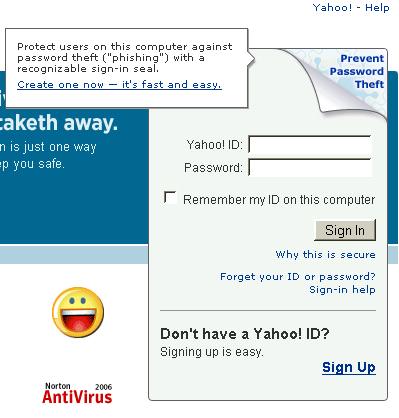
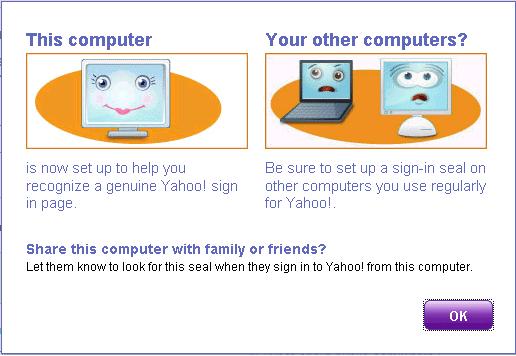
M back after long time with such an interesting Post !!
Yahoo's New Idea !
"Dont have any subject ? Yahoo will suggest you a subject for your mails!"
If you've got the new Yahoo! beta interface by now then you can use / test this facility !
Its simple, just go to Compose Mail,
Now Click on "Subject :" button* !
Yes its a button !
Just keep clickin the button & See the Subject changing !
Even if you are not going to use those subject lines...
Atleast you get make fun out of it for a while when u r feeling boring on net !
Here are a few snapshots of the subjects I got to read !
First few snaps are full to make u sure of this is Yahoo! suggested Subjects & not from my brain ! :)
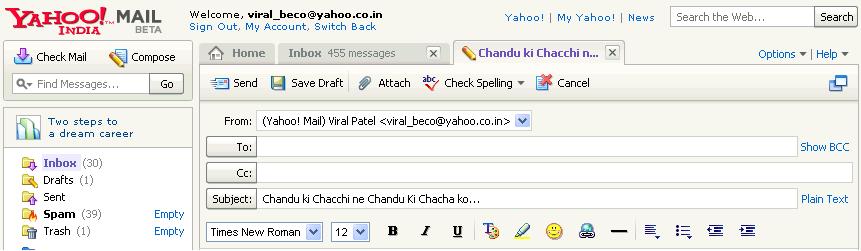
"Chandu ki Chachi ne Chandu ki Chaha Ko..."

"Kya bolthe ho seth"
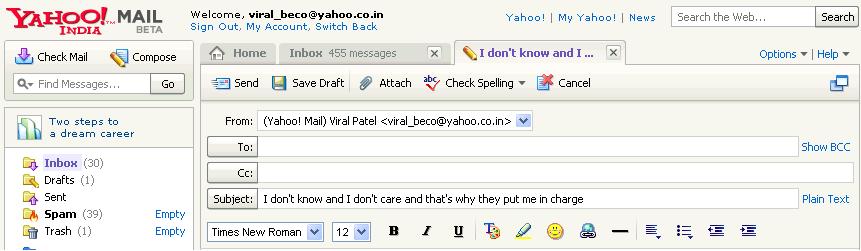
"I don't know and I don't care and that's why they put me in charge"

"Jab tak rahega samose mein aloo, tab thak rahega Bihar mein Laloo! oops!"

"Save time. See it my way!"

"Kuch lethe kyon nahi"

"If you don't tell lies, at least you don't have to remember what you have said."

"Pinky aunty kuch zyaada hi pink..." ha ha ha ... damn funny !!"

"Khamosh!!!"

"Mein tumhare bachche ki maa banne wali hu" .... He he he .. Wittiest !

"For every action there is an equal and opposite criticism"

"re: please don't call me a chinchilla"

"Sorry I missed you. Stand still next time"

"I'm NOT fat...that's my money belt"
If you find anything cool, post it as a comment !!
No offence please !!!
Yo!